Getting started
Last updated: September 13, 2026
This page covers installing FluxrBot, activating your key, and — the part most people skip and shouldn't — how to read what it shows you.
1. Install
Your product key looks like FLUX-XXXX-XXXX-XXXX-XXXXXXXX.
Enter it at app.fluxrbot.info — the
page checks the key and gives you the current .msi installer,
with its size and checksum. Run it. The same page always serves the latest
build, so it is also the way back in if you ever need to reinstall.
Windows will show a SmartScreen warning: "Windows protected your PC". This is expected. The installer is not signed with a code-signing certificate yet — those cost about $120 a year and we have not bought one. Click More info → Run anyway. If that answer does not satisfy you, that is a reasonable position: wait until we publish a signed build.
Prefer not to install anything? The full interface runs in a browser at fluxrbot.com/preview/app/ with sample data. It is the same code, with the server replaced by a mock.
2. Activate
Paste your key on first launch. One key activates one machine — reinstalling Windows is fine, moving to a different computer needs support to release the old one.
The trial is 3 days from activation, not from the day the key was issued. There is no card and nothing to cancel: when the three days end, the app stops and that is all that happens.
3. What the screens are
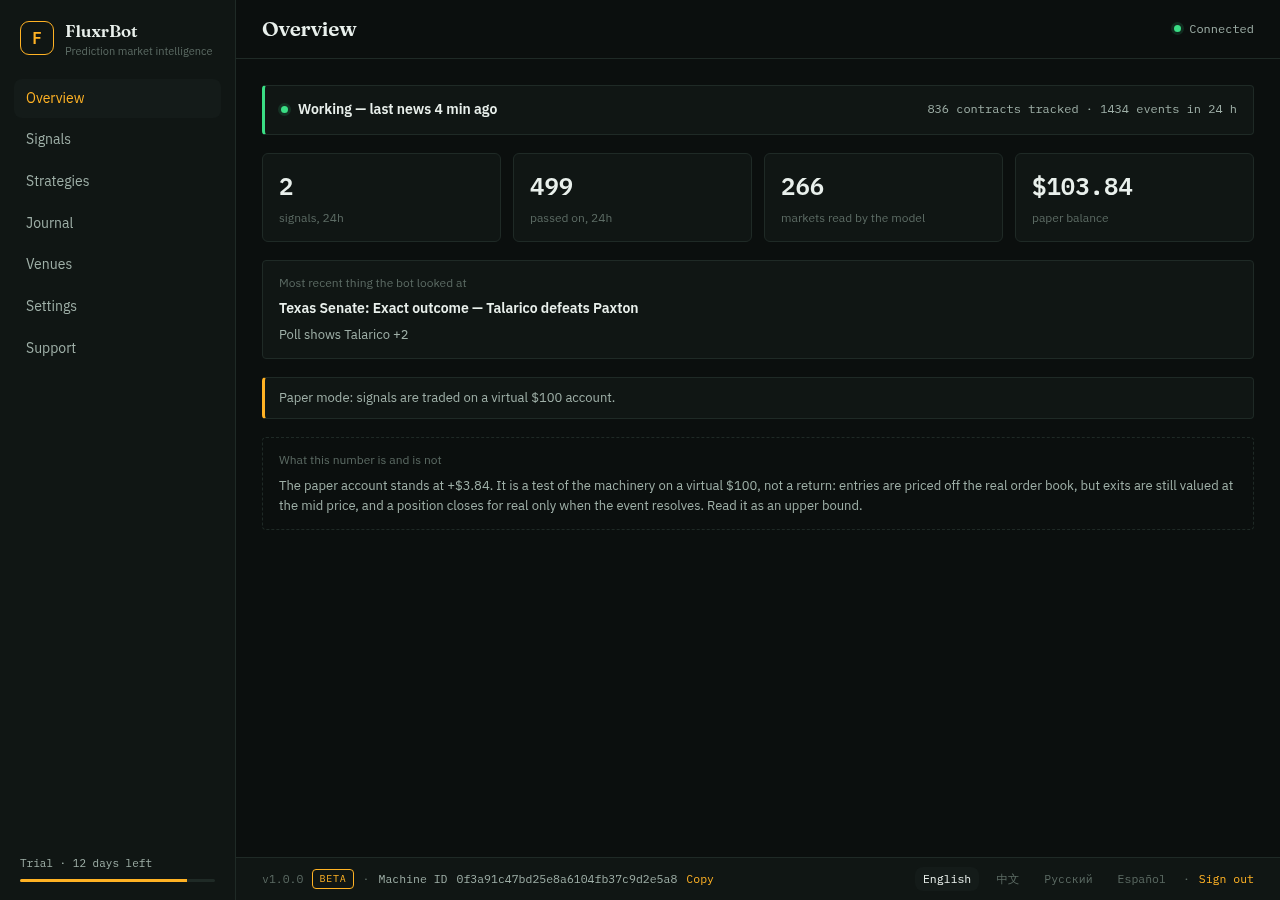
Overview — whether the engine is alive and what it did today.
Check (from 1.0.5) — the screen to open before you place an order. Paste a Kalshi or Polymarket link (or a Kalshi ticker) and you get the real order book on $50 each side, taker vs maker fee, the breakeven probability, how contracts at this price and horizon actually resolved in our own settled outcomes, what news touched the contract and what the model read into it, and which resolution-rule phrases tend to start disputes. No buy/sell recommendation: our model does not beat the price, and the screen says so.
Watchlist (from 1.0.5) — the contracts where your money is. Current
price, 24-hour move, how many stories touched each, and the latest model
verdict marked with or against your side if you gave one.
The same alerts go to Telegram (/watch, /list,
/check).
Signals — the feed. Every decision the engine made: the trades and, far more often, the refusals. Each refusal carries its reason.
Strategies — paper strategies, each on its own separate virtual $100 account. Separate accounts are the point: strategies sharing one account can never be told apart afterwards. They are experiments, reported as such — see the strategies page for what each one assumes, how it loses, and the measured result so far.
Journal — closed positions and their results, split by how they were settled.
Venues — what is read live from each exchange and how a trading connection will plug in when live trading opens.
Updates — the version you run, the version on the server, and the full history of what changed. There is a check-now button; you never have to wait for the banner.
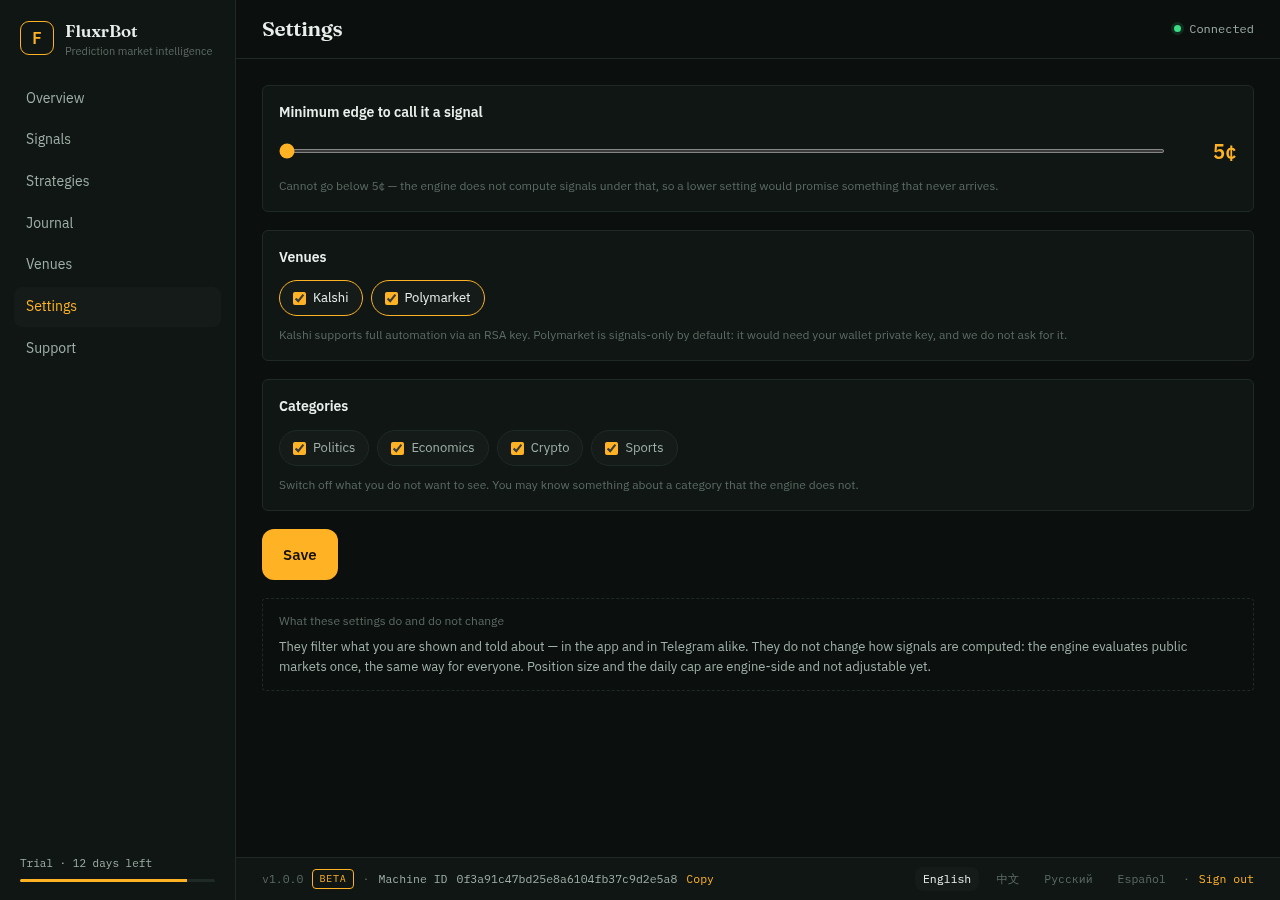
Settings — your minimum edge, blocked categories, which venues, which strategies appear in your feed.
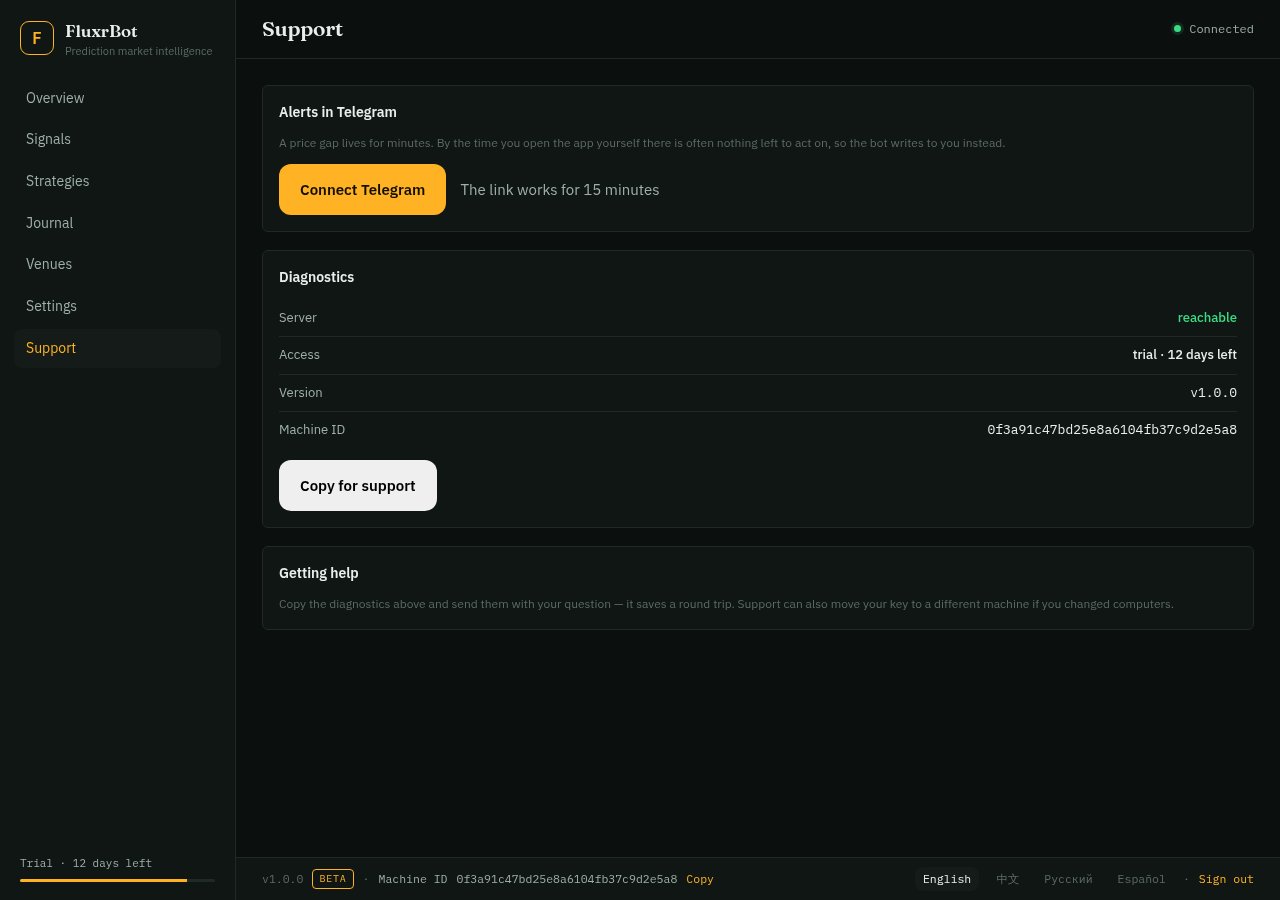
Support — your machine ID and a way to reach us.
4. How to read the feed
Most of what you see will be refusals — several hundred for every trade. That ratio is the product working, not failing. A bot that trades on everything it notices is a bot that loses money on everything it notices.
Each entry shows:
- Why — the model's own reasoning for the call, in its words.
- Argued against — the objection. After deciding to trade, the model is asked a second time to find the strongest reason the trade is a mistake. You see the objection whether or not it stopped the trade. An objection visible only when it wins cannot be checked.
- The refusal reason, when it did not trade: the book was empty, the edge was gone after the spread, two independent estimates disagreed on direction, the account already holds a position on the same question — or the market had already priced the news in before we got there. Chasing a move the crowd already made is buying its reversal, and the engine now says so in as many words.
5. What it will not do
- It does not touch your money. Everything currently runs on a paper account. Live trading is deliberately blocked until there is enough settled history to say whether the thing works — see the risk page.
- It does not hold funds. When live trading starts it will use revocable API keys; your balance stays on the exchange.
- It stops itself. Position caps, a daily deployment limit, a total exposure ceiling, concentration limits, a daily loss stop and a drawdown stop. The drawdown stop has to be cleared by a person — waiting a day and resuming with the same fault is not recovery. All of them are listed here.
5b. How the engine decides — the short version
The pipeline, without the proprietary parts: 52 named sources stream into one deduplicated event feed. Each event is linked to the contracts it could move. A model estimates how the news shifts the probability; a second, independent estimate is made; a third pass argues against the trade. The estimate is then checked against the live order book — the real one, with depth and fees, not the last printed price. Only if the edge survives all of that does a position open, sized within hard caps.
What we don't publish: the exact thresholds, the source weighting, and the calibration numbers. Those are the parts a competitor could copy, and the parts we re-measure nightly.
6. Updates
From 1.0.4 the app updates itself over the air. Every build is signed on our server with a key that never leaves it; the app verifies the signature before the installer runs, so a file swapped in transit is refused.
The checkbox. On the key screen there is Install updates automatically, on by default. Leave it on and the app checks hourly, installs a new version and restarts; turn it off (there or in Settings → Updates) and the app only shows a banner with an Update now button, which installs from inside the app when you press it. Either way you get an email when a version is published and, if it installed on its own, another one saying it did.
The Updates screen lists every version with what changed and has a check-now button. Your activation and settings survive every update.
Running 1.0.3 or older? Those builds cannot update themselves — install 1.0.4 once by hand: enter your key at app.fluxrbot.info or take the installer from GitHub Releases, run it over the top. From then on it is automatic.
7. When something is wrong
Open Support and send us your machine ID with a description. If the feed has been empty for hours, say so — that is a specific symptom and it tells us where to look.